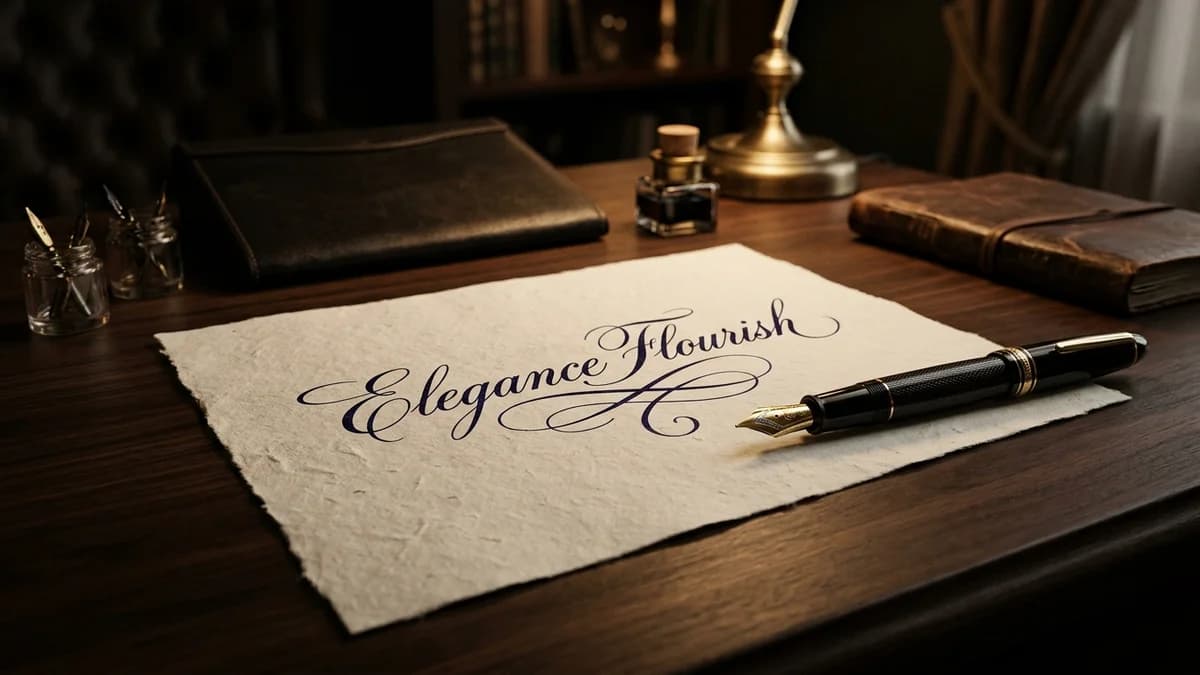
Cursive Signature Generator — How to Design an Aesthetic Handwritten Signature
A handwritten signature is one of the most personal marks a human can make. It authenticates legal contracts, closes personal letters, seals artwork, and crowns professional email footers. Yet in an era dominated by smartphone screens and mechanical keyboards, many people find themselves dissatisfied with their physical penmanship.
Whether you need a sleek digital autograph for PDF documents, an elegant watermark for photography, a logo for wedding stationery, or inspiration to refine your real-world handwriting, this guide breaks down the anatomy of a world-class signature and shows you how to generate a print-ready, transparent PNG signature in minutes.
The Anatomy of an Aesthetic Signature
Great signatures do not happen by accident. Calligraphers, executive typographers, and master penmen rely on four structural principles to create balance between legibility and speed:
                      ANATOMY OF A SIGNATURE

      ┌─ Oversized Capital Initial
      │   (2.5x to 3x body height)
      ▼
    ┌───┐    ┌────────────────────┐    ┌───────────────────────────┐
    │ 𝓐 │ ── │ 𝓁 𝑒 𝓍 𝒶 𝓃 𝒹 𝑒 𝓇 │ ── │ ───► Terminal Flourish /  │
    └───┘    └────────────────────┘    │      Baseline Underline   │
               ▲                       └───────────────────────────┘
               │
               └─ Compressed, rhythmic lowercase body
                  (Subtle slant, 45° to 60° angle)
1. The Oversized Initial Capital
Your first letter (or surname initial) should act as an architectural anchor. It should be 2.5 to 3 times taller than the lowercase letters that follow. An ornate capital letter (𝓐, 𝓒, 𝓡, 𝓜) establishes instant visual authority.
2. The Controlled Downstroke Slant
Amateur signatures often wobble between leftward and rightward slants. Professional signatures maintain a disciplined, uniform slant—typically between 45° and 60° forward. This communicates momentum, decisiveness, and forward energy.
3. Deliberate Body Compression
Notice how CEOs, doctors, and artists sign their names: they rarely spell out every individual lowercase letter with schoolroom precision. Instead, after a pristine initial capital, the middle letters contract into rhythmic waves or loops before terminating cleanly.
4. The Terminal Swash or Underscore
A confident stroke that sweeps backwards beneath your name or finishes with an ascending flick frames the composition and prevents the signature from floating awkwardly on the page.
4 Signature Styles for Different Purposes
┌────────────────────┬─────────────────────┬────────────────────┬────────────────────┐
│ 1. Executive       │ 2. Minimalist       │ 3. Calligraphic    │ 4. Bold Brush      │
├────────────────────┼─────────────────────┼────────────────────┼────────────────────┤
│ • Formal contracts │ • Tech founders     │ • Luxury weddings  │ • Creative artists │
│ • Clean monoline   │ • Abstract initials │ • Ornate swashes   │ • Heavy ink flow   │
│ • High legibility  │ • High speed        │ • Heritage romance │ • Maximum punch    │
└────────────────────┴─────────────────────┴────────────────────┴────────────────────┘
1. The Executive Monoline
Characterized by consistent line thickness, balanced loops, and a clear baseline. Ideal for lawyers, corporate executives, and official PDF documents where professional legibility is mandatory.
2. The Modern Minimalist
Stripped down to core skeletal forms. Often reduces a first name to a sweeping capital letter followed by a sharp horizontal dash and a surname initial. Favored by tech founders, architects, and designers.
3. The Classic Calligraphic (Spencerian / Copperplate)
Featuring dramatic stroke contrast (razor-thin entry strokes expanding into rich, shaded downstrokes), delicate teardrop terminals, and intricate looping descenders. Perfect for luxury branding, personal monograms, and wedding invitations.
4. The Bold Artist Brush
High-impact, expressive ink strokes with rich texture. Ideal for photography watermarks, YouTube channel merchandise, and streetwear branding.
How to Generate & Export a Digital Signature (Free)
Instead of scribbling on your laptop trackpad with your finger and ending up with a jagged, shaky line, Lettertype lets you generate smooth, vector-sharp cursive signatures and export them with a transparent background:
┌─────────────────────────┐      ┌─────────────────────────┐      ┌─────────────────────────┐
│ 1. Choose Script Style  │      │ 2. Customize in Image   │      │ 3. Download Transparent │
│ Convert name in Cursive │ ───► │ Set Canvas to 1024x1024 │ ───► │ Save PNG & Paste into   │
│ or Bold Cursive Tool    │      │ Text: #000000 / Transp  │      │ Google Docs, Mail or PDF│
└─────────────────────────┘      └─────────────────────────┘      └─────────────────────────┘
Step 1: Generate Your Styled Name
- Open the Cursive Font Generator or Bold Cursive Generator.
- Type your full name, initials, or professional title.
- Review the generated script variations:
- Classic Cursive: 𝒟𝒶𝓃𝒾𝑒𝓁 𝒮𝓂𝒾𝓉𝒽
- Bold Calligraphy: 𝓓𝓪𝓷𝓲𝓮𝓵 𝓢𝓶𝓲𝓽𝓱
Step 2: Transfer to Letter-to-Image Tool
- Open our Letter to Image Generator.
- Paste your stylized cursive text into the canvas editor.
Step 3: Configure Output Settings
- Canvas Size: Select
1024×1024or1200×630for ultra-high resolution. - Text Color: Select solid black (
#000000) or deep navy (#1B365D) for an authentic ink look. - Background: Select Transparent. This allows your signature to float cleanly above dotted document lines, contract boxes, or colored email templates without an ugly white bounding box.
- Click Download PNG.
Legal Reality: Is a Digital Font Signature Legally Binding?
One of the most common questions surrounding digital signatures is legal validity:
The Short Answer: Under the U.S. Electronic Signatures in Global and National Commerce Act (ESIGN), the Uniform Electronic Transactions Act (UETA), and the EU eIDAS Regulation, a typed or font-generated cursive name can be legally binding, provided the signer intended to execute the agreement.
┌────────────────────────────────────────────────────────────────────────┐
│                   DIGITAL SIGNATURE CATEGORIES                         │
├─────────────────────────┬──────────────────────────────────────────────┤
│ Simple Electronic (SES) │ Typed names, digital cursive font images,    │
│                         │ email footer signoffs. Legally valid for     │
│                         │ standard business contracts, NDAs & invoices.│
├─────────────────────────┼──────────────────────────────────────────────┤
│ Advanced (AES) /        │ Cryptographically verified signatures        │
│ Qualified (QES)         │ (DocuSign, Adobe Sign, hardware tokens).     │
│                         │ Required for real estate deeds & government. │
└─────────────────────────┴──────────────────────────────────────────────┘
- Contractual Intent: The law cares primarily about intent. If you paste your generated cursive PNG into an agreement and return it with the intent to be bound, the contract is enforceable.
- Platform Compatibility: Most digital signature platforms (including DocuSign, HelloSign, and PandaDoc) actually offer built-in cursive font presets that convert your typed text into a stylized image using this exact process.
Daily Practice Exercises to Improve Your Physical Signature
If you want your physical penmanship to match your digital design, practice these three calligraphic drills for five minutes each day:
1. Continuous Ovals (Spencerian Warmup)
   OOOOOOOOOOOOOOOOOOOO  (Loosen shoulder muscles; do not draw from the wrist)

2. Slanted Parallel Upstrokes (55° Slant Calibration)
   ////////////////////  (Maintain identical angles across the entire line)

3. Interlocking Infinity Loops
   88888888888888888888  (Builds fluid muscle memory for lowercase l, e, and f)
- Hold the Pen Higher: Grip your pen approximately 1 to 1.5 inches away from the nib. This forces you to write using your arm and shoulder rather than cramping your fingers.
- Sign Faster: Speed creates smooth, tension-free curves. Hesitation creates microscopic jitters in ink flow.
Frequently Asked Questions (FAQ)
Can I use a cursive font signature for my passport or driving license?
No. Official government bodies require a wet-ink signature executed in person with a ballpoint pen. However, you can use our digital cursive generator to design and practice the exact letterforms you intend to ink onto official identity documents.
What is the best format for an email signature?
Save your generated signature as a PNG with a transparent background, scaled to roughly 300×100 pixels (or 600×200 pixels for Retina displays). This ensures crisp display across desktop Outlook, Apple Mail, and mobile Gmail without pixelation or background clipping.
How do I choose between full name vs initials for a signature?
- Full Name (First + Last): Best for formal contracts, legal agreements, and corporate governance where personal accountability is paramount.
- First Initial + Full Surname (J. Doe): The canonical European business signature—fast, legible, and balanced.
- Monogram (JD): Best for digital creative watermarks, signing off on internal company memos, and sketch approvals. Browse our Alphabet Letters Hub for capital letter monogram reference.
Explore More Handwriting & Font Tools
- Cursive Font Generator — Copy and paste instant cursive letters.
- Bold Cursive Generator — Thick calligraphic font styles.
- Letter to Image Tool — Download high-res transparent PNG graphics.
- Cursive Fonts for Tattoos Guide — Longevity, dermal aging, and stencil creation.
- Alphabet Letters Hub — Explore monogram initials from A to Z.