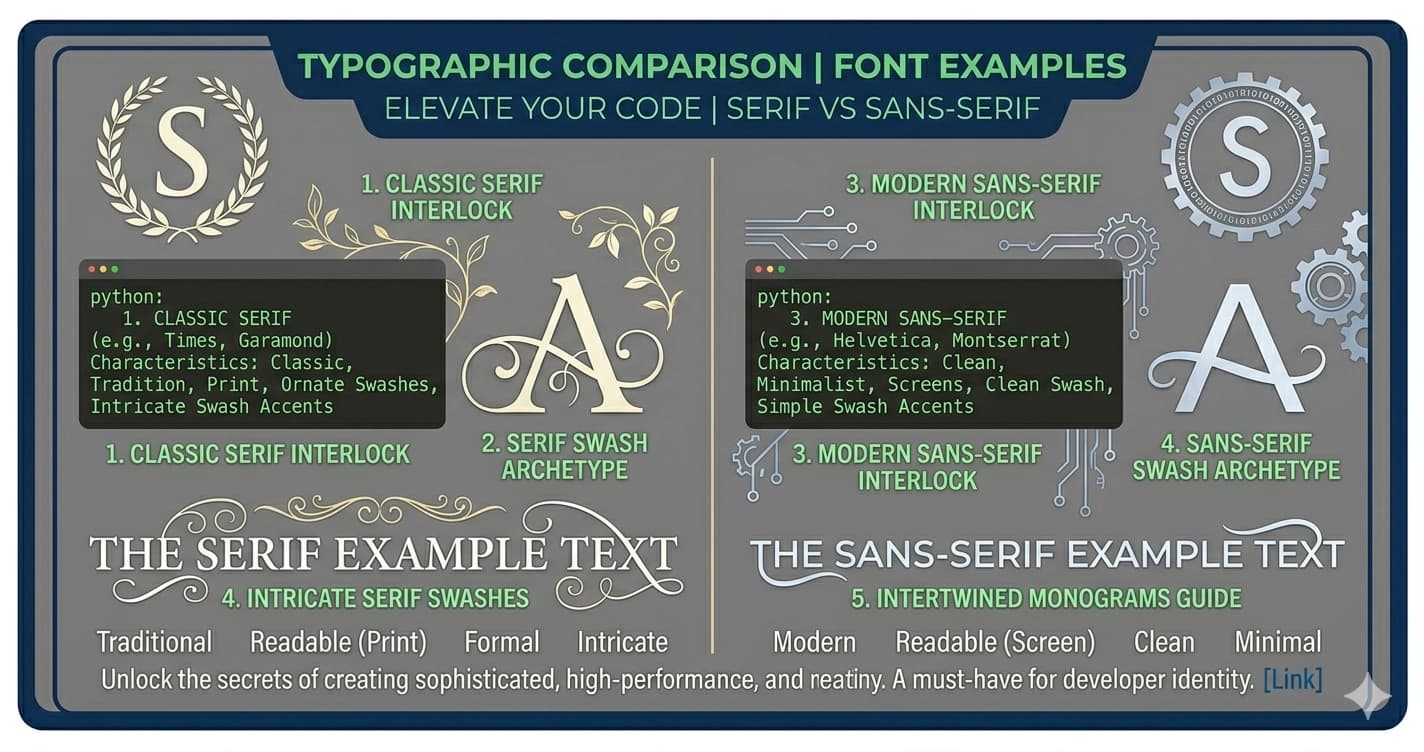
Serif vs. Sans-Serif — History, Psychology, and When to Use Each
The serif vs. sans-serif question comes up constantly — in design briefs, brand guidelines, and typography courses. The usual answer ("serif for print, sans-serif for screens") is correct enough to be useful and wrong enough to mislead.
The actual story is more interesting and more nuanced. It involves 200 years of typographic history, research that mostly debunks the conventional wisdom, and a set of cultural associations that have more to do with what fonts mean than with how readable they are.
What the Terms Actually Mean
Serifs are the small lines or strokes attached to the ends of letters. The word comes from the Dutch schreef, meaning "line" or "stroke." A serif font is one where the main strokes of the letters terminate in these short perpendicular lines.
A capital T in a serif font (Times New Roman, Georgia, Garamond) has small horizontal strokes at the top of each vertical stroke and at the base. A capital T in a sans-serif font (Helvetica, Arial, Inter) ends cleanly, with no added strokes.
Sans-serif literally means "without serif" — from the French sans (without).
That's the visual distinction. The historical and psychological distinctions are where it gets more interesting.
A Timeline of Two Typeface Families
The histories of serif and sans-serif fonts are intertwined — and the conventional narrative that serifs are "old" while sans-serifs are "modern" is only partially accurate.
| Year | Event |
|---|---|
| ~1450 | Gutenberg's Bible — printed in Gothic (Blackletter), not Roman serif |
| ~1470 | First Roman serif type (humanist): Nicolas Jenson, Venice |
| 1734 | William Caslon establishes serif as dominant typeface form in England |
| 1816 | First published sans-serif typeface (unnamed, William Caslon IV) |
| 1832 | Vincent Figgins releases early sans-serif; called "sans-surryphs" |
| 1898 | Akzidenz-Grotesk (Berthold, Berlin) — first sans-serif to achieve widespread use |
| 1927 | Futura by Paul Renner — geometric sans-serif, becomes foundational for modernism |
| 1957 | Helvetica released by Max Miedinger — becomes the defining corporate sans-serif |
| 1970s–80s | Desktop publishing era: serif (Times New Roman) dominates word processing |
| 1990s–2000s | Web era: sans-serif dominates screen; Georgia introduced as screen-readable serif |
| 2010s–present | High-DPI screens normalize serif on screen; both families in common use |
Two things stand out from this timeline:
First, sans-serif is not modern in any meaningful sense. The first published sans-serif appeared in 1816 — over 200 years ago. Akzidenz-Grotesk, the font that influenced nearly every twentieth-century grotesque (including Helvetica), dates to 1898. Sans-serif has been part of typographic history almost as long as widely-used serif.
Second, the screen vs. print distinction is a product of specific technology — low-resolution screens where thin serif strokes didn't render cleanly. On modern high-DPI displays, this technical argument no longer applies the way it once did.
What the Research Actually Says
The standard advice — serifs aid readability in print; sans-serifs are better on screens — comes from a body of research that is older, more contested, and more conditional than the conventional summary suggests.
What older research found: Studies in the mid-20th century found that serif fonts (particularly in small body text) could improve reading speed in printed materials. The proposed mechanism was that serifs guide the eye horizontally along a line of text, reducing the cognitive effort of tracking from one word to the next.
What later research complicated: A 2002 study by Alex Poole reviewing available evidence found that "to date, no single consistent answer to the readability of serif versus sans-serif typefaces" had been established. A comprehensive review published in Ergonomics found no significant difference in reading speed or accuracy between serif and sans-serif on modern displays.
What the current consensus looks like: The factors that reliably predict text readability are letter spacing, x-height, line length, contrast, and specific font design — not the presence or absence of serifs. A well-designed sans-serif (like Georgia) and a well-designed serif (like Inter) both perform well. A poorly designed font in either category performs poorly.
The practical takeaway: Choosing between serif and sans-serif should not primarily be a readability decision. It should be a design intent and cultural signal decision — which brings us to psychology.
Brand Psychology: What Each Style Communicates
This is where the real difference lies. Not in measurable readability, but in the associations each family carries.
Serif Associations
Serifs carry the weight of print history — newspapers, academic texts, legal documents, religious books, luxury goods. These associations translate into specific psychological signals:
- Authority and tradition — serif fonts look established, trustworthy, institutional
- Luxury and heritage — luxury brands use serif to signal craftsmanship and history
- Editorial legitimacy — newspaper and magazine typography is rooted in serif tradition
| Company | Font | Industry | Signal |
|---|---|---|---|
| New York Times | Custom serif (Old English masthead) | Publishing | Authority, tradition |
| The Economist | Economist Roman | Publishing | Intelligence, credibility |
| Tiffany & Co. | Serif wordmark | Luxury | Elegance, heritage |
| Honda | Serif | Automotive | Reliability, established |
| Bottega Veneta | Serif | Luxury fashion | Craftsmanship, legacy |
| Vogue | Didot (high-contrast serif) | Fashion | Sophistication, prestige |
Sans-Serif Associations
Sans-serifs carry modernist associations — clean geometry, efficiency, forward momentum. These emerged strongly in the 20th century as the design language of technology, progress, and accessibility.
- Innovation and clarity — tech brands use sans-serif to signal modernity and approachability
- Efficiency — sans-serif is unadorned, functional-looking
- Accessibility — open letterforms are associated with approachability and friendliness
| Company | Font | Industry | Signal |
|---|---|---|---|
| Apple | San Francisco (custom sans) | Technology | Simplicity, innovation |
| Google Sans | Technology | Approachable, accessible | |
| Nike | Futura-derived | Sports | Dynamic, modern |
| Netflix | Netflix Sans (custom) | Entertainment | Contemporary, bold |
| Airbnb | Cereal (custom sans) | Tech/Travel | Friendly, open |
| Spotify | Circular | Music/Tech | Youthful, energetic |
Website and Brand Usage by the Numbers
| Metric | Serif | Sans-Serif |
|---|---|---|
| Top 1000 websites (body text) | ~15% | ~85% |
| Fortune 500 logo typefaces | ~30% | ~70% |
| H1 headers on major sites | 42% | 58% |
| H2 headers on major sites | 30% | 70% |
| Paragraph text | 7% | 93% |
Pattern: sans-serif dominates the smaller and more functional the text context. Serif appears more in display contexts — large headlines, logos, premium brand applications.
When Each Works Best
Use Serif When
You want to signal authority, tradition, or prestige. A law firm, a financial institution, a heritage brand, an academic publication — serif typefaces carry the cultural weight of established institutions.
You're designing for long-form print reading. Books, academic papers, printed magazines — while the readability science is mixed, serif has centuries of precedent in long-form reading, and many readers find it more comfortable for dense text in printed form.
You're working in editorial design. Newspapers, magazines, and high-end publications use serif to distinguish themselves from digital-native content. The serif says "considered, published, permanent."
You're in luxury or heritage brand territory. The fashion houses, the fine jewelers, the heritage automobile brands — they use serif because it visually signals history and craftsmanship that sans-serif cannot.
Use Sans-Serif When
You're designing for screens. The dominant choice for UI, apps, websites, and digital content — not because serifs fail on modern screens, but because sans-serif is now the established visual language of digital products. Users have expectations built from years of interface design.
You want to feel modern and approachable. Technology companies, consumer startups, and any brand targeting a younger audience lean toward sans-serif for its contemporary associations.
You need clarity at small sizes. Small UI text, captions, footnotes, navigation elements — sans-serif letterforms tend to remain legible at very small sizes because there are fewer fine details to render.
You're working in functionality-first contexts. Forms, data tables, dashboards, technical documentation — the efficiency associations of sans-serif fit these contexts.
Pairing Serif and Sans-Serif
Many strong design systems use both families in intentional combination:
- Serif headline + sans-serif body — the classic editorial pairing. The serif headline commands attention; the sans-serif body text is functional and readable.
- Sans-serif UI + serif display — common in modern media brands. Clean sans-serif interface with serif for feature headlines or branding elements.
The rule: maintain contrast. If both fonts are similar weight and personality, they compete. The pairing works when one is clearly structural (the workhorse) and one is expressive (the statement).
Platform-Specific Guidance
For social media and digital platforms, the practical question is: given that Unicode styled fonts allow you to approximate either family, which direction fits each context?
| Platform | Default Interface Font | Audience Expectation | Best Unicode Direction |
|---|---|---|---|
| LinkedIn Sans | Professional | Small Caps, or plain | |
| Meta-optimized sans | Creative, visual | Bold Cursive, Italic | |
| TikTok | TikTok Sans | Entertainment, youth | Bubble, Vaporwave, Bold |
| Discord | Whitney / Discord Sans | Community, identity | Gothic, Small Caps, Monospace |
| Twitter / X | Chirp | Conversational | Bold Cursive, Italic |
Note: Unicode styled text doesn't map directly to "serif" or "sans-serif" in the traditional sense — Gothic characters are technically derived from Fraktur (a serif-related tradition), while Small Caps and Monospace are closer to sans-serif geometry. The aesthetic signal matters more than technical classification.
The Readability Shortcut Nobody Talks About
If you want the most readable text in any context, the research points clearly at factors more important than serif vs. sans-serif:
Line length: 50–75 characters per line for body text. Longer lines increase cognitive load per line; shorter lines cause too many return trips.
Line height (leading): 1.4–1.6× the font size. Too tight creates difficulty tracking lines; too loose loses the visual connection between lines.
X-height: The height of lowercase letters relative to capitals. Fonts with larger x-heights tend to be more readable at small sizes. Georgia, designed for screens, has a notably large x-height.
Letter spacing: Slightly generous letter spacing aids readability, particularly at small sizes. Tight tracking (compressed letter spacing) reduces readability faster than any serif/sans-serif distinction.
Contrast with background: High contrast between text and background is the most important single factor. Dark text on white background, or white text on dark background, consistently outperforms low-contrast combinations regardless of typeface.
Get these factors right and the serif/sans-serif choice becomes largely an aesthetic and cultural decision — which is what it mostly was to begin with.
Generate Unicode Styled Text
Every major font style at Lettertype — Gothic, Bold Cursive, Italic, Small Caps, Double-Struck, Monospace — can be generated and copied for use in any platform that accepts Unicode text. Generate and copy at lettertype.org.