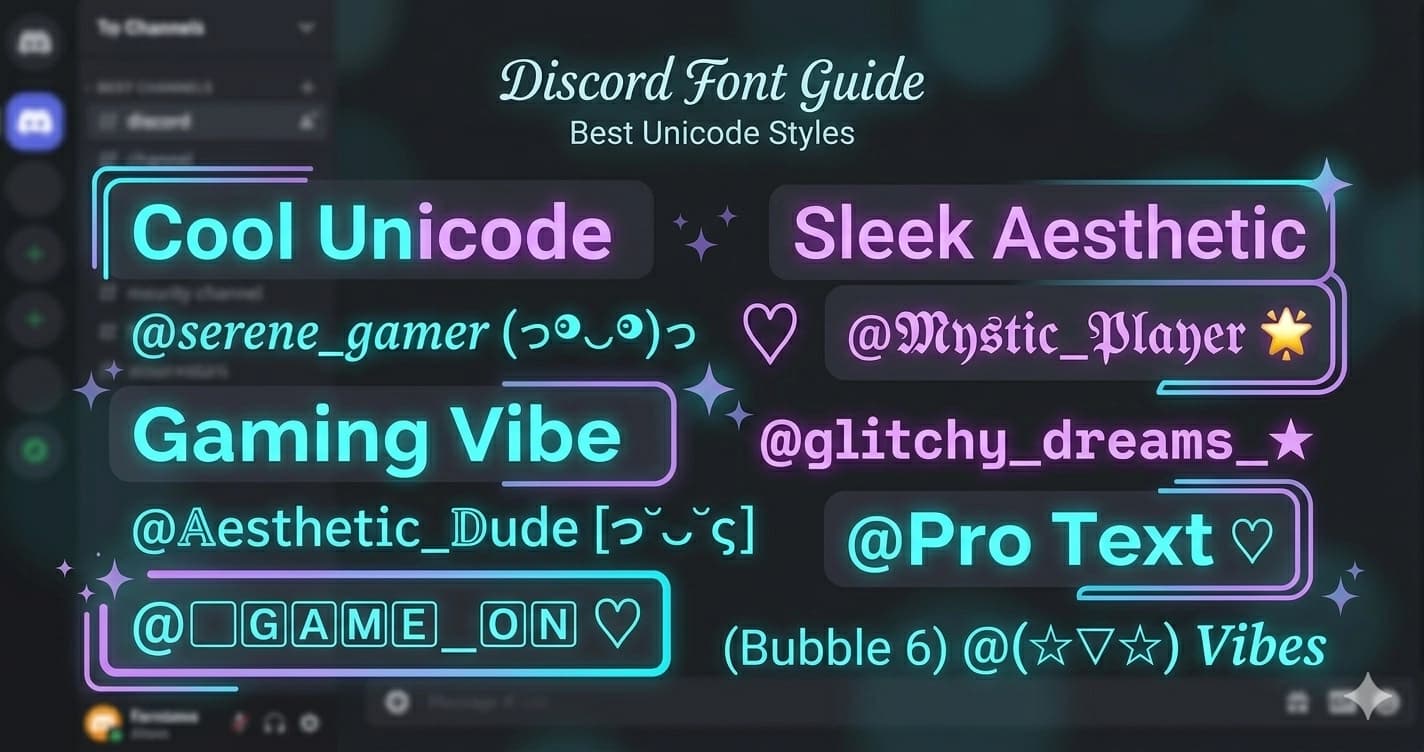
Best Unicode Fonts for Discord Usernames and Bios
Discord doesn't support custom fonts natively — but Unicode characters work perfectly in usernames, server names, nicknames, and bios. Here are the best styles and how to use them effectively.
How Unicode Fonts Work on Discord
Discord renders all Unicode characters, meaning stylized text created with a Unicode font generator displays correctly for everyone in the server — no special settings or installs needed on their end.
The styled text is just characters. 𝔊𝔬𝔱𝔥𝔦𝔠 letters aren't a font — they're individual Unicode characters that happen to look like a gothic typeface. Because they're standard Unicode, every device that can render Discord can render them.
This also means you're not violating any Discord policies by using Unicode styled text. You're simply using characters from the Unicode standard, which Discord fully supports.
Discord's Text Fields and Unicode Support
Before diving into styles, it helps to know where Unicode works on Discord and where it doesn't:
| Field | Unicode Support | Character Limit |
|---|---|---|
| Display name | ✅ Full support | 32 characters |
| Username (@handle) | ❌ Letters/numbers only | 32 characters |
| Server name | ✅ Full support | 100 characters |
| Nickname (per server) | ✅ Full support | 32 characters |
| Bio (about me) | ✅ Full support | 190 characters |
| Status message | ✅ Full support | 128 characters |
| Channel names | ✅ Limited support | 100 characters |
The key distinction: your username (the unique @handle) is restricted to letters, numbers, underscores, and periods. Your display name (the name everyone sees in server lists and messages) fully supports Unicode.
Best Font Styles for Discord Usernames
𝔊𝔬𝔱𝔥𝔦𝔠 (Old English)
Gothic is the most popular Unicode style on Discord. The dark, medieval letterforms look striking in any server member list and match gaming, metal, and alternative aesthetics perfectly.
Gothic text comes from the Mathematical Fraktur block in Unicode — characters designed to represent the traditional German Fraktur typeface. On Discord, they've become the default "serious gamer" aesthetic.
Example: 𝔇𝔞𝔯𝔨𝔏𝔬𝔯𝔡 · 𝔖𝔥𝔞𝔡𝔬𝔴𝔚𝔬𝔩𝔣 · 𝔄𝔯𝔠𝔞𝔫𝔢𝔚𝔦𝔷𝔞𝔯𝔡
Best for: Gaming servers, metal and dark music, fantasy RPG communities, alternative aesthetics
Generate it: Gothic Font Generator
𝓑𝓸𝓵𝓭 𝓒𝓾𝓻𝓼𝓲𝓿𝓮
Bold cursive usernames stand out as elegant and distinct. Works well for creative, aesthetic, and music-focused Discord servers. The flowing letterforms feel personal and expressive — they read less as a "gamer tag" and more as an artistic identity.
Example: 𝓜𝓸𝓸𝓷𝓵𝓲𝓰𝓱𝓽 · 𝓢𝓽𝓪𝓻𝓭𝓾𝓼𝓽 · 𝓔𝓽𝓱𝓮𝓻𝓮𝓪𝓵𝓓𝓻𝓸𝓶
Best for: Creative communities, music servers, aesthetic Discord communities, art servers
Generate it: Bold Cursive Font Generator
𝕯𝖔𝖚𝖇𝖑𝖊 𝕾𝖙𝖗𝖚𝖈𝖐
Double struck letters have a mathematical, academic look that's popular in tech, programming, and science communities on Discord.
The double struck characters come from "blackboard bold" — the style used in academic settings to write special mathematical sets on chalkboards. On Discord, they signal intelligence and precision.
Example: 𝕮𝖔𝖉𝖊𝕸𝖔𝖓𝖐 · 𝕷𝖔𝖌𝖎𝖈𝕯𝖊𝖛 · 𝕾𝖞𝖓𝖙𝖆𝖝𝕴𝖓𝖙𝖊𝖑
Best for: Programming servers, developer communities, science and math Discord, tech discussion
Generate it: Double Struck Font Generator
Vaporwave
Full-width characters give usernames a wide, spaced-out aesthetic. Popular in lo-fi, aesthetic, and retro-digital communities.
Full-width characters were designed for East Asian typography where Latin letters appear alongside wider CJK characters. Vaporwave culture appropriated them for their distinctive wide look.
Example: Vaporghost · Neondrift · AestheticDream
Best for: Lo-fi and aesthetic servers, vaporwave and synthwave communities, retro-digital aesthetics
Important: Full-width characters count double in Discord's character limits. A 32-character display name in vaporwave text fits approximately 16 display characters.
Generate it: Vaporwave Font Generator
🅑🅤🅑🅑🅛🅔 🅕🅘🅛🅛🅔🅓
Filled bubble letters are bold and immediately visible in member lists. Great for standing out in large servers. The solid filled circles make the letters highly visible even in small text in server sidebars.
Example: 🅑🅤🅑🅑🅛🅔🅖🅐🅜🅔🅡
Best for: Casual gaming servers, entertainment and meme communities, friendly social servers
Generate it: Bubble Filled Font Generator
ꜱᴍᴀʟʟ ᴄᴀᴘꜱ
Small caps look polished and intentional without being decorative. They read as professional and refined in Discord's UI — good for community leaders, moderators, and anyone who wants distinction without drama.
Example: ꜱᴇʀᴠᴇʀ ᴀᴅᴍɪɴ · ᴄᴏᴍᴍᴜɴɪᴛʏ ʟᴇᴀᴅ
Best for: Server staff, professional communities, educational servers
Generate it: Small Caps Font Generator
Unicode Fonts for Discord Server Names
Server names support Unicode characters too. A few well-chosen styled characters can make your server look more professional and distinctive in the server discovery list.
The server name appears in:
- The server list in the left sidebar (small, typically just icon)
- Server discovery listings
- Invite links and share previews
- At the top of the server when selected
Tips for server names:
- Use styled text for just the key word (e.g., 𝔊𝔬𝔱𝔥𝔦𝔠 Lounge)
- Keep most words in plain text for readability
- Avoid full-width characters in server names — they can make discovery harder and wrap strangely in the sidebar
- Test how the name looks in the server list at small size before finalizing
Server name examples:
- 𝔗𝔥𝔢 𝔇𝔞𝔯𝔨 𝔏𝔬𝔲𝔫𝔤𝔢
- 𝓐𝓮𝓼𝓽𝓱𝓮𝓽𝓲𝓬 𝓗𝓪𝓿𝓮𝔫
- ꜱᴛᴜᴅʏ ʜᴀʟʟ
Discord Nicknames Per Server
Discord allows you to set a different nickname in each server. This is a powerful feature for Unicode styling — you can use a themed nickname in gaming servers, a professional name in work servers, and a creative name in art communities, all under the same account.
To set a server nickname:
- Right-click your name in the member list
- Select "Edit Server Profile"
- Change the nickname field
Your nickname overrides your display name within that server.
Discord Bio (About Me)
Discord's About Me section supports 190 characters of Unicode text. This is where you can use more elaborate combinations — a styled heading, some plain text about yourself, and emoji separators. It only appears when someone clicks your profile, so it's a secondary impression rather than a primary one.
If you need ideas for what to actually write, see our Discord bio ideas guide — 100+ examples across gaming, aesthetic, funny, and dark aesthetics.
Bio example:
𝓜𝓸𝓸𝓷𝓵𝓲𝓰𝓱𝓽 Game dev by day, dungeon master by night 🎮 RPGs · 🎸 Guitar · ☕ Coffee
Limitations to Know
Character limits — Discord has a 32-character limit for display names and nicknames. For a full breakdown of every field limit on Discord, see the complete Discord character limits guide. Unicode characters each count as one character, but:
- Full-width (vaporwave) characters count as 2
- Some emoji count as 2
- Certain Unicode characters may count as 2 depending on their code point
Searchability — styled Unicode characters aren't searchable as plain text. If someone tries to @mention you by typing your name normally, they may need to scroll to find you in the member list.
Mobile rendering — most Unicode styles render well on mobile Discord, but a few rare characters may appear as boxes on older Android devices. The most common styles (gothic, cursive, bubble) are universally supported.
Channel names — Discord channel names have restrictions that are stricter than display names. Letters, numbers, hyphens, and underscores are safest. Some Unicode characters are allowed but can cause issues with certain Discord features.
How to Add Unicode Fonts to Your Discord Username
For a full step-by-step guide on setting a styled font for your display name and nicknames, see Discord Name Font — How to Style Your Display Name.
- Go to Lettertype and type your desired display name
- Click the style you want to copy it
- Open Discord → User Settings (gear icon) → Profiles
- Update your Display Name field
- Save changes
Your styled display name will appear immediately across all servers.
Generate Discord Fonts
Try all styles at Lettertype — the Gothic Generator, Bold Cursive Generator, and Vaporwave Generator are the most popular choices for Discord users. Type your text, copy the style you want, and paste directly into Discord.