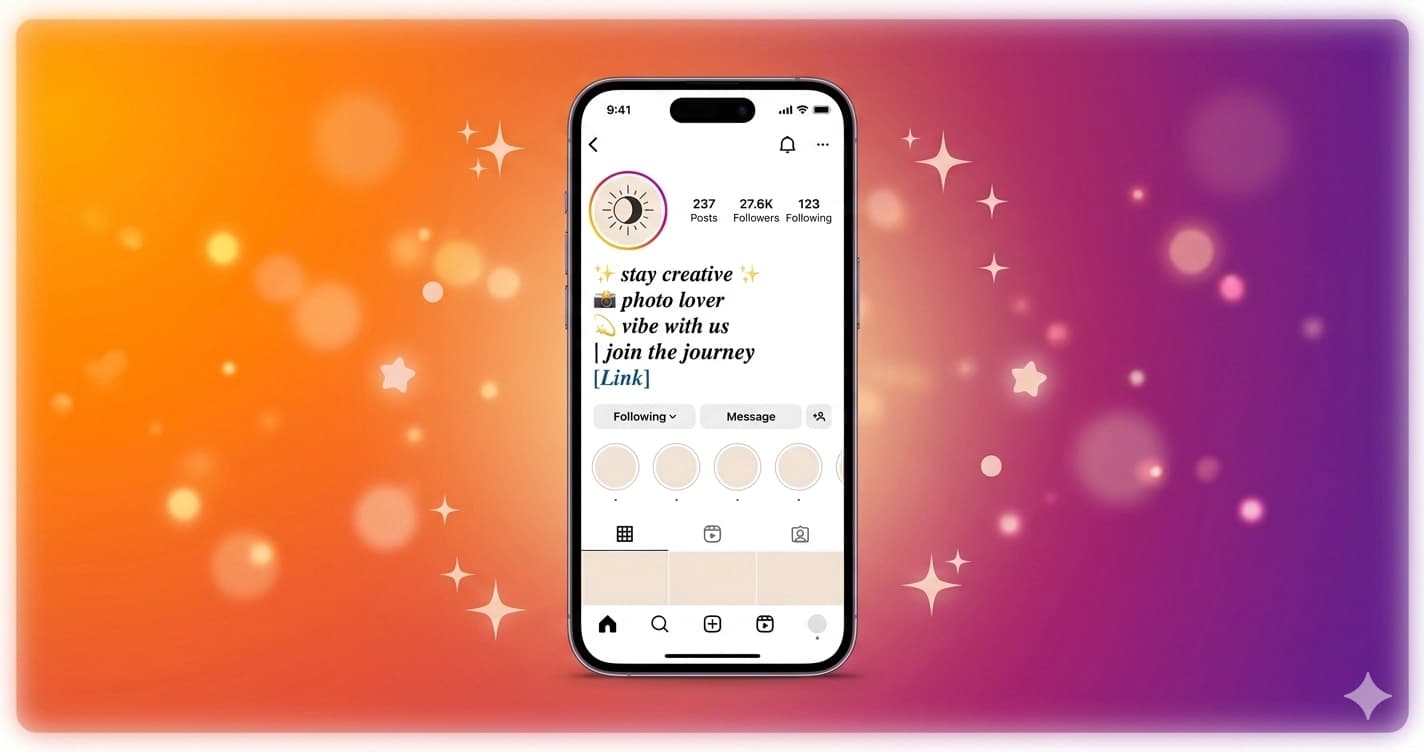
How to Use Unicode Fonts on Instagram
Your Instagram bio is one of the first things people see when they visit your profile — and plain text doesn't cut it anymore. Unicode fonts let you stand out without any apps, browser extensions, or font installations. Here's exactly how to do it.
What Are Unicode Fonts?
Unicode is an international text standard that includes thousands of characters beyond the basic alphabet — including mathematical symbols, enclosed letters, and script letterforms that look like styled fonts but are actually plain text characters.
When you type 𝓗𝓮𝓵𝓵𝓸 in your Instagram bio, you're not using a custom font — you're using real Unicode characters that display on every device automatically. These characters are part of the Unicode standard, which means every modern operating system, browser, and app knows how to render them.
The specific blocks used for "font styling" include:
- Mathematical Bold Script (U+1D4D0–U+1D503) — used for bold cursive
- Mathematical Fraktur (U+1D504–U+1D537) — used for gothic
- Enclosed Alphanumerics (U+2460–U+24FF) — used for bubble text
- Fullwidth Latin (U+FF01–U+FF5E) — used for vaporwave
- Mathematical Double-Struck (U+1D538–U+1D56B) — used for double struck
None of these require a font file. They're just characters — the same way emoji are characters rather than images.
Why Instagram Supports Unicode Fonts
Instagram (and most social platforms) accept any text input that conforms to Unicode. There's no font restriction because Unicode styled characters aren't "fonts" — they're characters within the standard Unicode character set that the platform already supports.
Instagram doesn't specifically "allow" bold cursive; it just accepts all Unicode input, and bold cursive happens to be Unicode. This is why your styled text displays the same way for every viewer — it's not a style choice by their device or app, it's the actual character they're receiving.
Step-by-Step: Adding Styled Text to Your Instagram Bio
Step 1 — Generate your text
Go to Lettertype and type the text you want to style. Your text will instantly appear in dozens of font styles — bold cursive, gothic, italic, bubble, vaporwave, and more. All transformations happen in your browser in real time.
Step 2 — Choose your style
Browse the results and click on the style you like. It copies automatically to your clipboard. You can also browse dedicated style pages to see full alphabets and examples before committing.
Step 3 — Paste into Instagram
Open Instagram, go to your profile, tap Edit Profile, and paste the copied text into the Bio field. Save changes — your styled text appears instantly.
That's it. No app to install, no account to create, no format to convert.
Adding Unicode Fonts to Your Instagram Display Name
Your display name (the name above your @username on your profile) also supports Unicode. This is often where the font choice matters most — it's the first thing visitors see.
To update your display name:
- Go to Lettertype and type your name
- Copy your preferred style
- Instagram → Profile → Edit Profile → Name
- Paste and save
Your styled name will appear on your profile, in search results, and when your posts appear in hashtag or location pages.
Best Unicode Fonts for Instagram Bios
𝓑𝓸𝓵𝓭 𝓒𝓾𝓻𝓼𝓲𝓿𝓮 — the most popular choice for Instagram. Flowing, elegant, and immediately eye-catching. Holds up well at small sizes. Try it: Bold Cursive Generator
𝔊𝔬𝔱𝔥𝔦𝔠 — dark, dramatic, and distinctive. Popular in streetwear, music, and alternative aesthetics. Try it: Gothic Generator
Ⓑⓤⓑⓑⓛⓔ — playful and cute. Perfect for kawaii, cottagecore, and fun profiles. Try it: Bubble Generator
Vaporwave — wide, spaced-out aesthetic. Matches lo-fi, retro, and digital art vibes. Try it: Vaporwave Generator
ꜱᴍᴀʟʟ ᴄᴀᴘꜱ — understated and elegant. Great for professional or minimalist profiles. Try it: Small Caps Generator
𝘐𝘵𝘢𝘭𝘪𝘤 — light and editorial. Pairs well with plain text for subtle distinction. Try it: Italic Generator
Instagram Bio Character Limit
Instagram bios support 150 characters. Unicode styled characters count differently depending on type:
| Style | Characters count |
|---|---|
| Bold cursive, gothic, italic, small caps | 1 per character |
| Bubble, double struck | 1 per character |
| Vaporwave (full-width) | 2 per character |
| Most emoji | 2 per character |
If you're using vaporwave text heavily, your effective character limit is closer to 75 display characters.
Tips for Using Unicode Fonts on Instagram
Mix styles sparingly. One styled font in your bio looks intentional; five looks chaotic. The rule of thumb: choose one styled element and keep everything else plain.
Test on mobile. Unicode characters render slightly differently across devices — the font rendering engine in iOS and Android handles them slightly differently. Check on your actual phone before finalizing your bio.
Use for emphasis, not everything. Style just your name or tagline, keep the rest of your bio in plain text for readability. The contrast makes the styled text pop more.
Combine with emoji naturally. Unicode fonts and emoji work together naturally — use emoji as separators (·) or accents. Avoid mixing three or more different styled font types in one bio.
Avoid styling contact info. Email addresses and links should always be in plain text. Styled Unicode characters in an email address break it — contact@lettertype.org works, 𝕔𝕠𝕟𝕥𝕒𝕔𝕥@lettertype.org does not.
Do Unicode Fonts Work in Instagram Captions?
Yes — Unicode characters work in captions, comments, story text, and anywhere Instagram accepts text input. You can use styled text for:
- Caption headlines — start a long caption with a styled first line to draw the eye
- Section headers — use styled text to break long captions into readable sections
- Emphasis — bold or gothic text for key phrases in an otherwise plain caption
- Call to action — a styled "𝓢𝓪𝓿𝓮 𝓽𝓱𝓲𝓼" at the end of an educational post
Copy your styled text from Lettertype directly into any text field.
Do They Work in Instagram Stories?
Instagram Stories has its own text tool with built-in fonts. However, you can still use Unicode characters in several ways:
- Story caption field — when you paste text into a story, Unicode characters display correctly
- Story link sticker — the link text itself doesn't support Unicode, but surrounding text does
- In the text overlay tool — paste styled text into the story text tool; it renders with the styled characters while using Instagram's positioning and sizing features
Do They Work in Instagram Reels?
Yes — Reels support Unicode characters in the description field, which functions similarly to a post caption. You can use styled text to format your Reels description the same way you would a feed post caption.
Common Issues and How to Fix Them
Characters showing as boxes or question marks: This usually means the specific character isn't supported by the viewer's device or the platform's rendering engine. Stick to the most common styled alphabets (bold cursive, gothic, small caps) which have near-universal support.
Styled text disappearing when you save: Some platforms sanitize text input on save. Instagram doesn't do this — if styled text disappears after saving, try pasting into a plain text editor first to remove any hidden formatting, then copy from there into Instagram.
Bio length exceeding the limit: Check whether you're using full-width (vaporwave) characters or heavy emoji use, both of which consume double the character count.
Generate Your Instagram Font
Try all styles at Lettertype — type your text and see every style instantly. The Instagram Font Generator page is specifically curated for Instagram use cases with examples and copy tools built in.
For a ranked breakdown of which font styles work best on Instagram and why, see Best Fonts for Your Instagram Bio. For exact character limits for every Instagram field and algorithm notes, see Instagram Bio Fonts — Character Limits & Unicode Guide.